Games / Project story
Cat Balloon Game
Pop the cats. Watch out for the dogs.
A small, silly game
Cat Balloon Game turns a conversation with my kids into a timed browser game. Cat-shaped balloons rise through the screen, and moving the pointer over one pops it. The score and remaining time stay visible above the action. A short round gives the interaction a beginning and an end without adding a complicated set of controls.
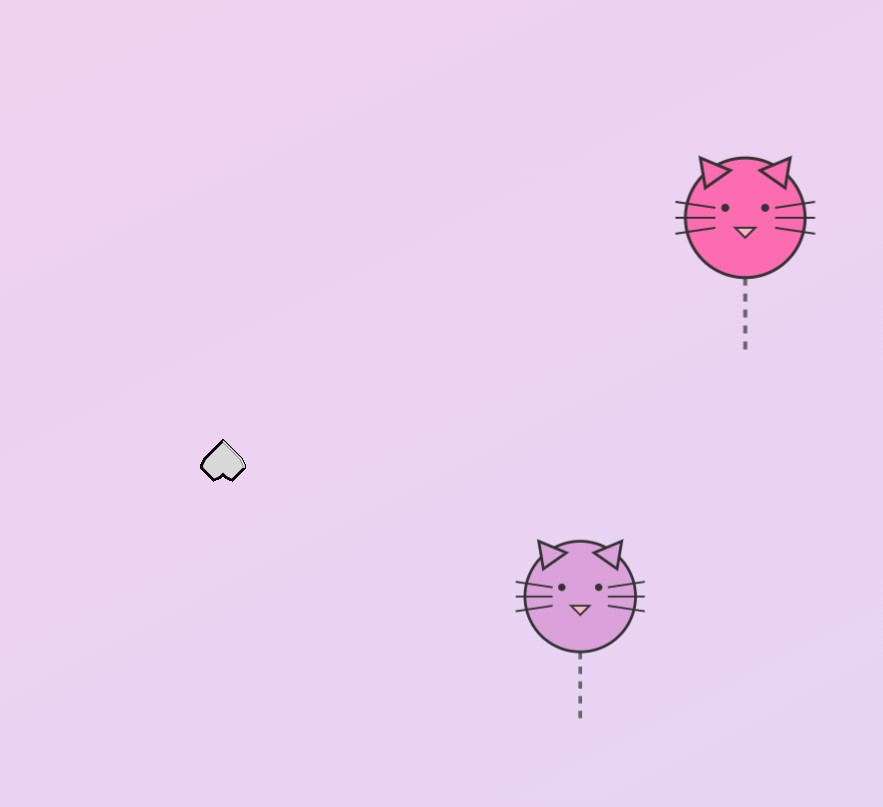
The balloons are simple drawn faces with ears, whiskers, and dangling strings. Colors vary, and their paths sway as they rise. A pop briefly enlarges and fades the balloon before it disappears, with a meow accompanying a cat. The response is immediate enough to make the basic action clear: move into a balloon and watch it react.
Choosing what to pop
Dog balloons introduce a reason to look before moving. Popping a cat adds points according to the selected difficulty; popping a dog subtracts one point, without taking the score below zero. The dog has a different face and a bark. The same gesture can therefore have two outcomes depending on the target.
Occasional giant cats add a second kind of surprise. Their size changes the composition of the screen, and popping one triggers confetti and a celebration sound. The rest of the balloons continue to provide moving targets. These variations build on the same action rather than asking the player to learn another control.
Changing the pace
Four difficulty settings adjust the spawn interval, movement speed, scoring, and round length. Easy gives more time and a slower stream; Intense sends balloons more quickly during a shorter round. The choice changes the density of decisions on screen, not just the label attached to the score.
When the timer reaches zero, the result screen offers another round through the difficulty selection. The current implementation is pointer-hover based, so a desktop pointer is the clearest way to try it. This is a playful prototype of targets, timing, and feedback, with the public game available through the link above.