Games / Project story
Sheep Meadow
A shared screen, a small flock, and room to play.
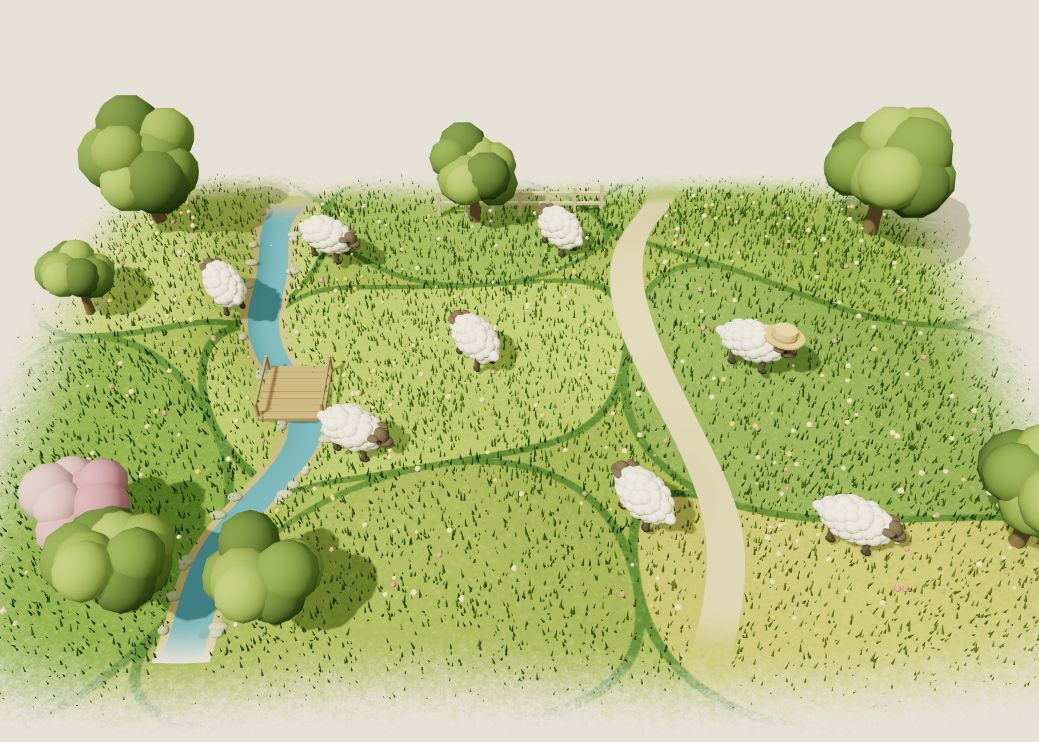
A place to play together
Sheep Meadow is a browser playground for a small flock. Players share one meadow and one screen. Moving, hopping, baaing, and changing hats are available from the start, with keyboard and touch controls alongside support for up to four independently detected controllers. The game keeps everyone in the same space rather than dividing the view into separate panels.
The actions are deliberately physical. A hop rises quickly and floats down; landing on another sheep produces a bounce and a brief squash. A chomp affects sheep in front of the player, with a cooldown between bites. A sheep that loses its three health points returns after a five-second cartoon knockout. The small set of actions can combine without requiring a menu between interactions.
A temporary change of rules
Every two minutes, a bouncing dragon egg appears. The third bite gives the biting player thirty seconds as a dragon. Baa becomes a roar, and chomp becomes a straight line of fire with a two-second recharge. Fire scorches the ground and can knock out another sheep. The dragon moves a little slower, so the transformation changes both the available action and how it feels to move.
The transformation ends automatically. The sheep, meadow, and ordinary music return, keeping the interruption part of the same playground. Hats and wool colors provide another kind of variation: players can change appearance without changing the basic controls.
Working with browser controls
Controller detection is a visible part of the prototype. A controller check reports the slots the browser exposes, and disconnected sheep wait for their controller to reconnect. Keyboard and touch provide another way into the meadow. Audio has separate music and effects switches, with an explicit start button for browsers that require a gesture.
The public game also states its hardware limit: actual Xbox multi-controller operation has not yet been verified. Supporting the browser gamepad interface is only one part of that experience; the browser must expose each controller separately. Open the prototype to try the current controls and the shared-screen interaction.