Tools / Project story
WAV Audio Recorder
A small browser workspace for capturing and organizing audio.
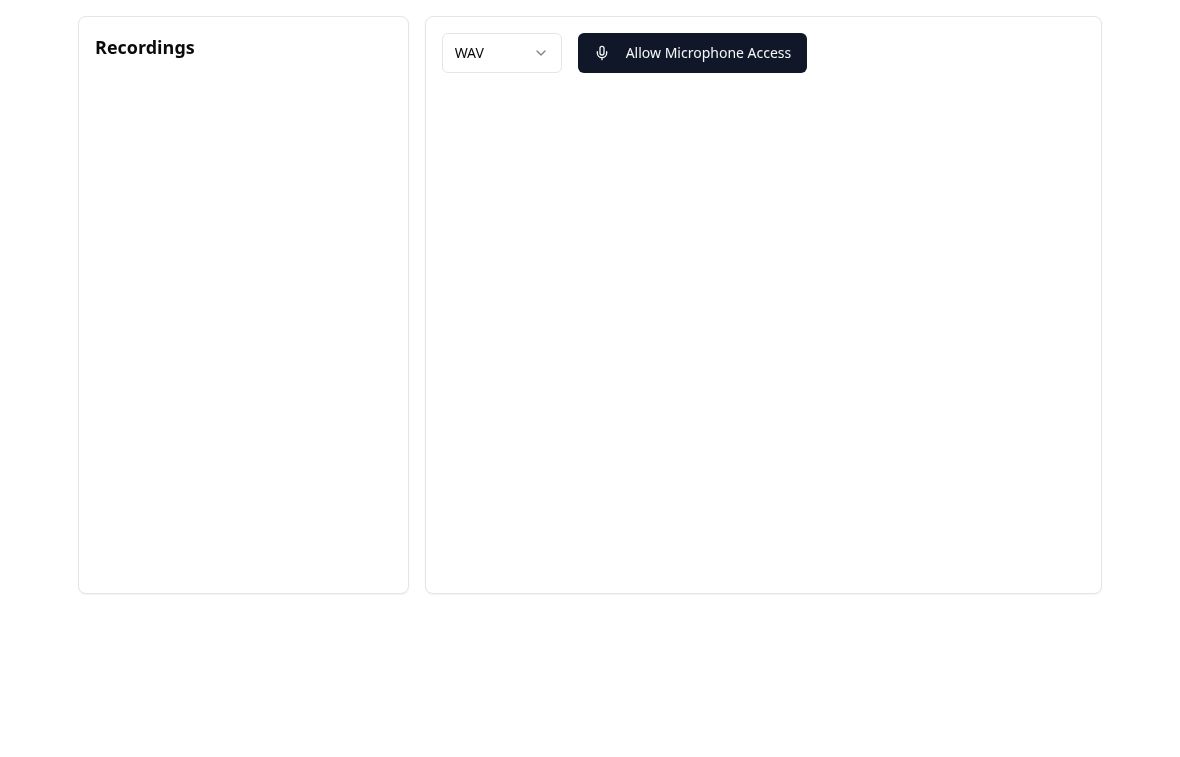
From microphone to recording
WAV Audio Recorder is an experimental browser tool that brings microphone selection, recording controls, and a list of saved clips into one workspace. The first step is explicit microphone access. Once available inputs are listed, the interface lets the user choose a device and start or stop a recording.
A completed recording becomes an item in the list. Its name can be changed, it can be played back, and it can be downloaded or deleted. The emphasis is a short path from capturing a sound to keeping an identifiable clip, rather than a full multitrack audio-editing environment.
A local collection
The current implementation stores recordings in the browser's IndexedDB. The recording list reads from that local collection and updates after a new clip is saved. It is not an online audio library or a cloud backup. Keeping a downloaded copy matters if a recording needs to survive clearing browser data or moving to another device.
The list also offers a ZIP download for the collection and an experimental video-export path. These controls explore ways to get an audio clip out of the browser workspace. Renaming and downloading are separate actions, so a clip can be given a useful name before it leaves the list.
Format support is still experimental
The interface offers WAV and MP3 choices, but browser recording support varies. In the current source, the MP3 path can fall back to MP4 or WebM while the download naming still uses the selected format. A filename extension therefore does not reliably establish the encoding of the captured audio. WAV support also depends on the browser's MediaRecorder implementation.
Treat the current app as a recording-workflow prototype rather than a dependable format converter. Open it to inspect the controls, and verify any exported file in the destination tool before relying on it. The screenshot shows the interface before microphone access or recording.